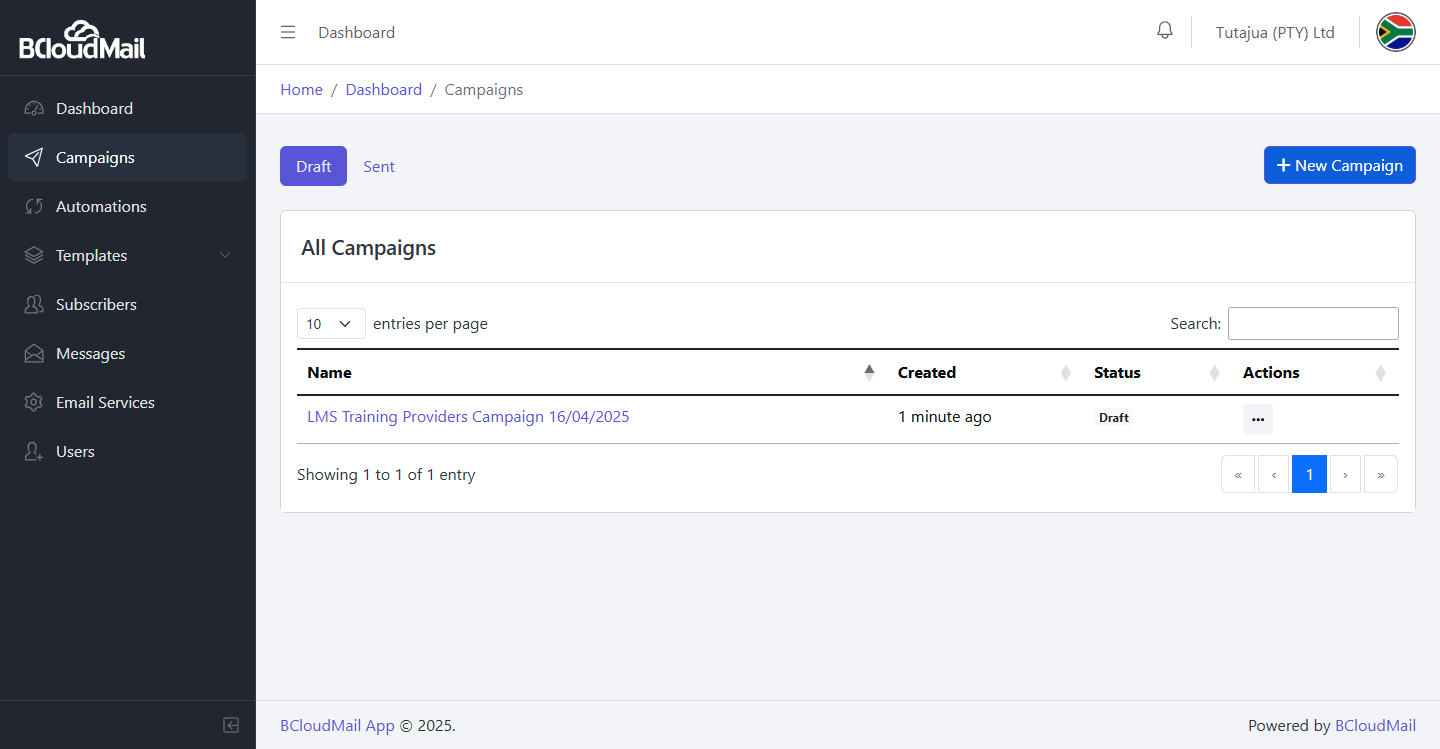
The Campaigns page in BcloudMail is where you create, manage, and track your email marketing efforts. This page is divided into sections for both draft campaigns (yet to be sent) and sent campaigns, allowing you to easily oversee your email activities.
Accessing the Campaigns Page:
- Log in to your BcloudMail account at https://app.bcloudmail.com/login.
- In the main navigation menu, click on Campaigns.
Overview of the Campaigns Page:
Upon navigating to the Campaigns page, you’ll typically see two main sections:
1. Draft Campaigns:
This section lists the email campaigns that you have created but have not yet sent.
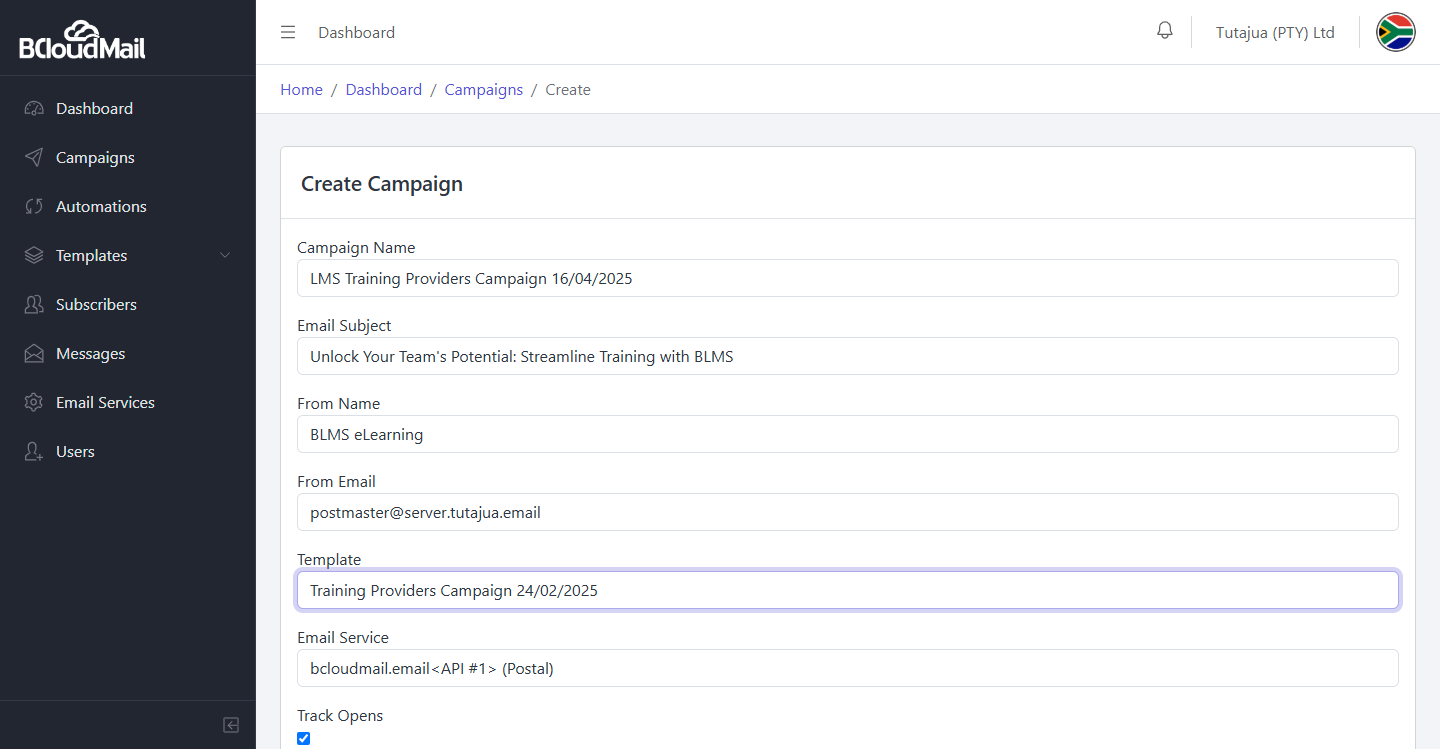
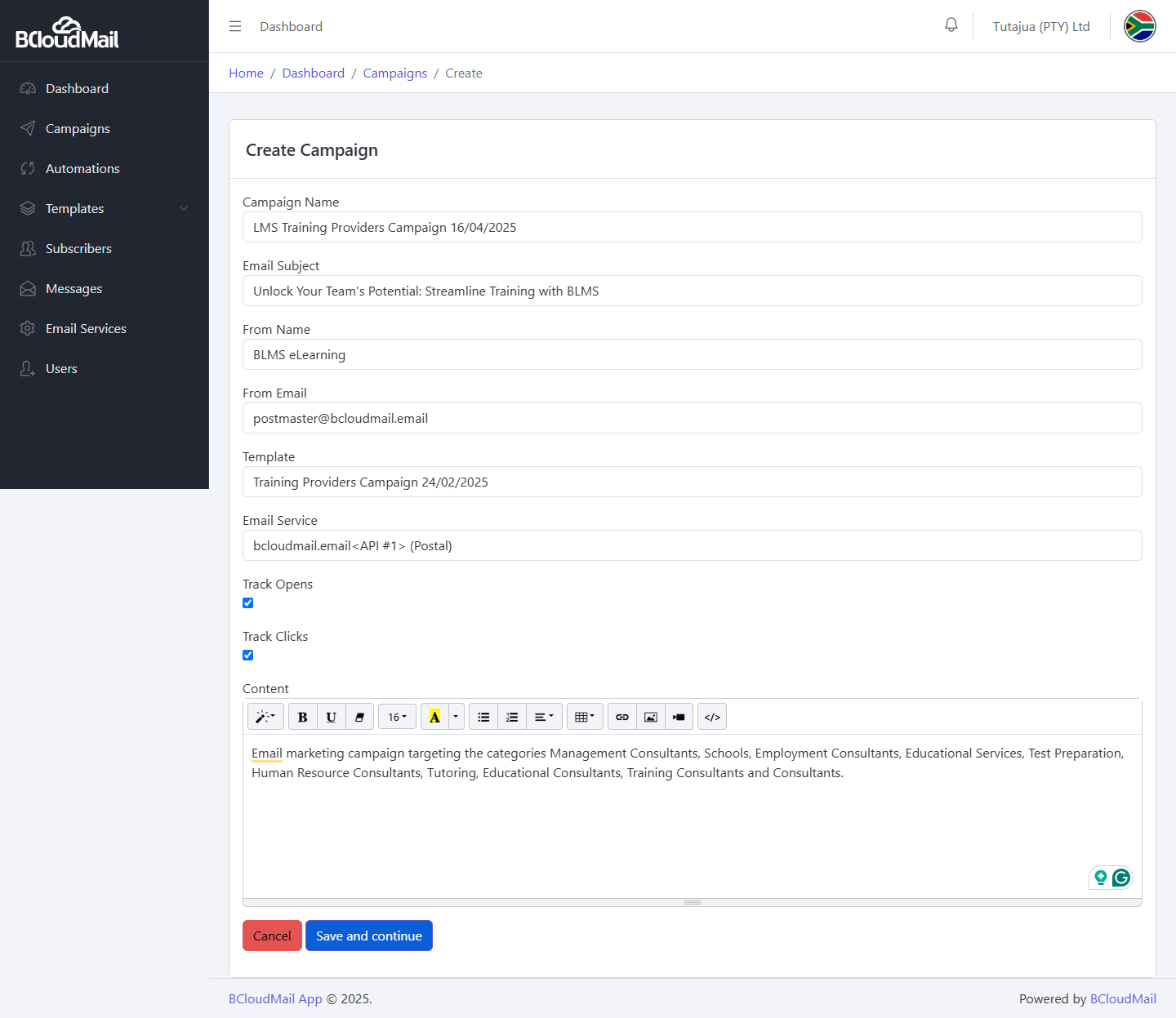
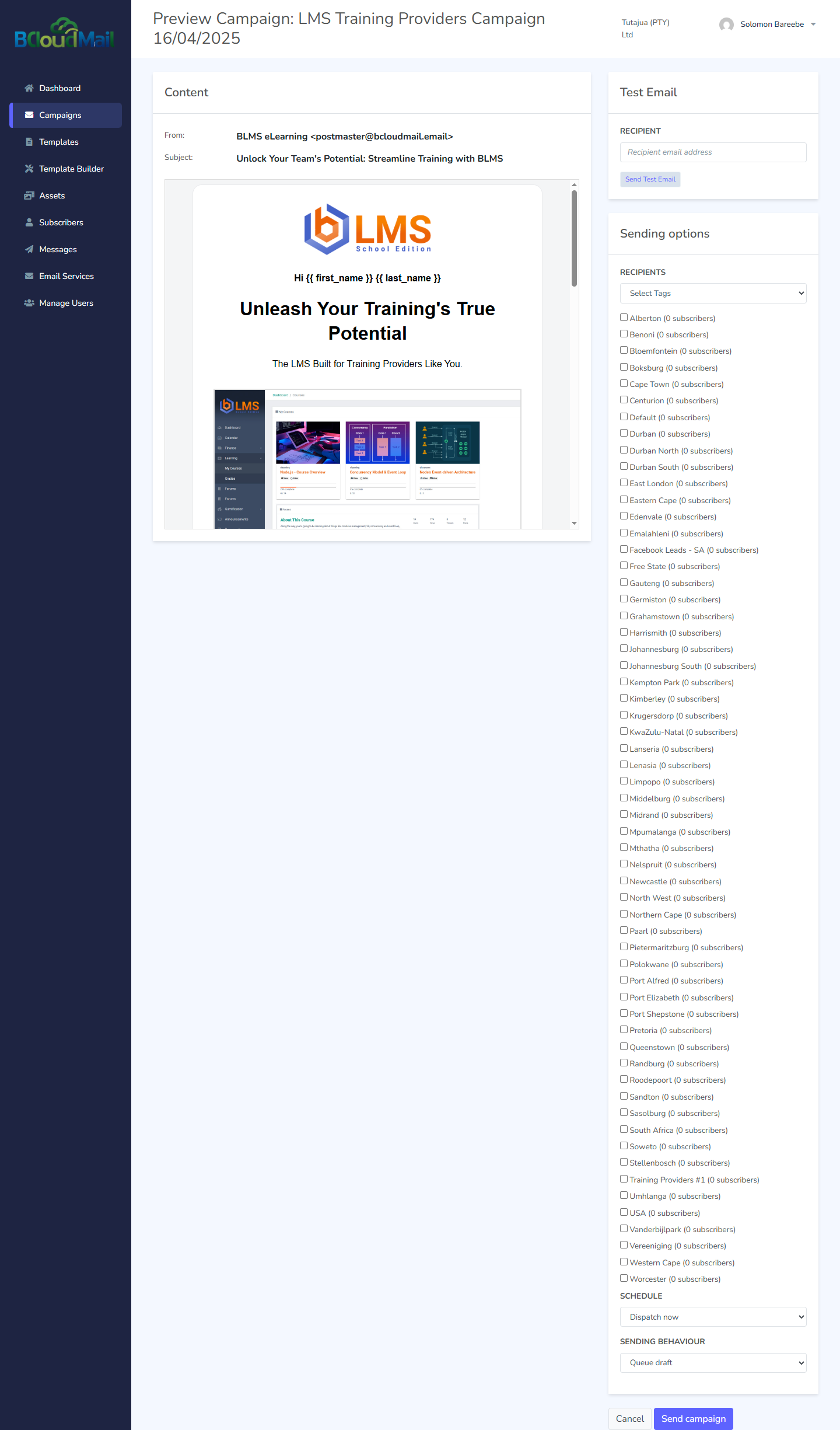
- Creating a New Campaign: Look for a “Create New Campaign” or similar button. Clicking this will typically take you to a campaign creation wizard or form where you’ll need to provide the following information:
- Campaign Name: A descriptive name for your campaign (for your internal use).
- Email Subject: The subject line that your recipients will see in their inboxes.
- From Name: The name that will appear as the sender of the email (this is often automatically generated based on your account settings).
- From Email: The email address that will appear as the sender (this is also often automatically generated).
- Template: The email template you want to use for this campaign. You can select from your existing templates or create a new one.
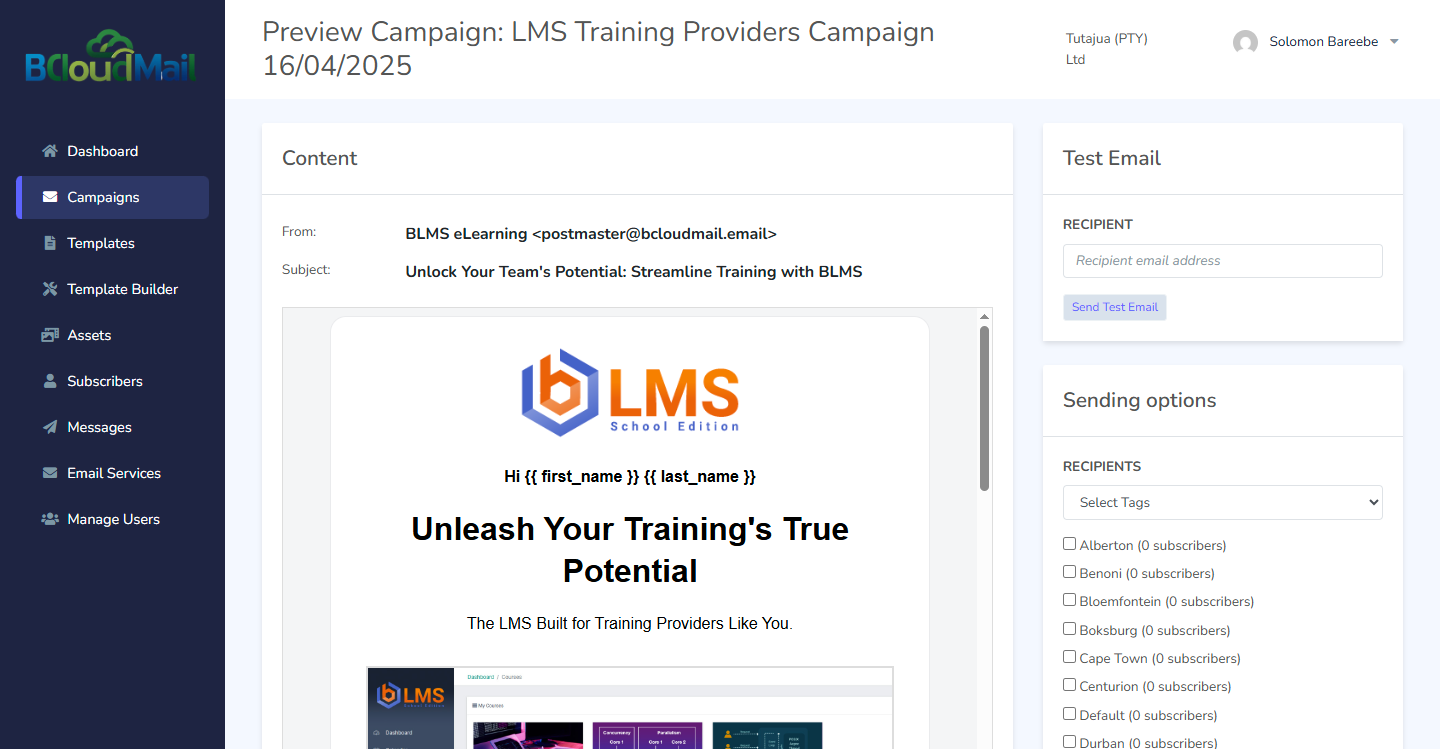
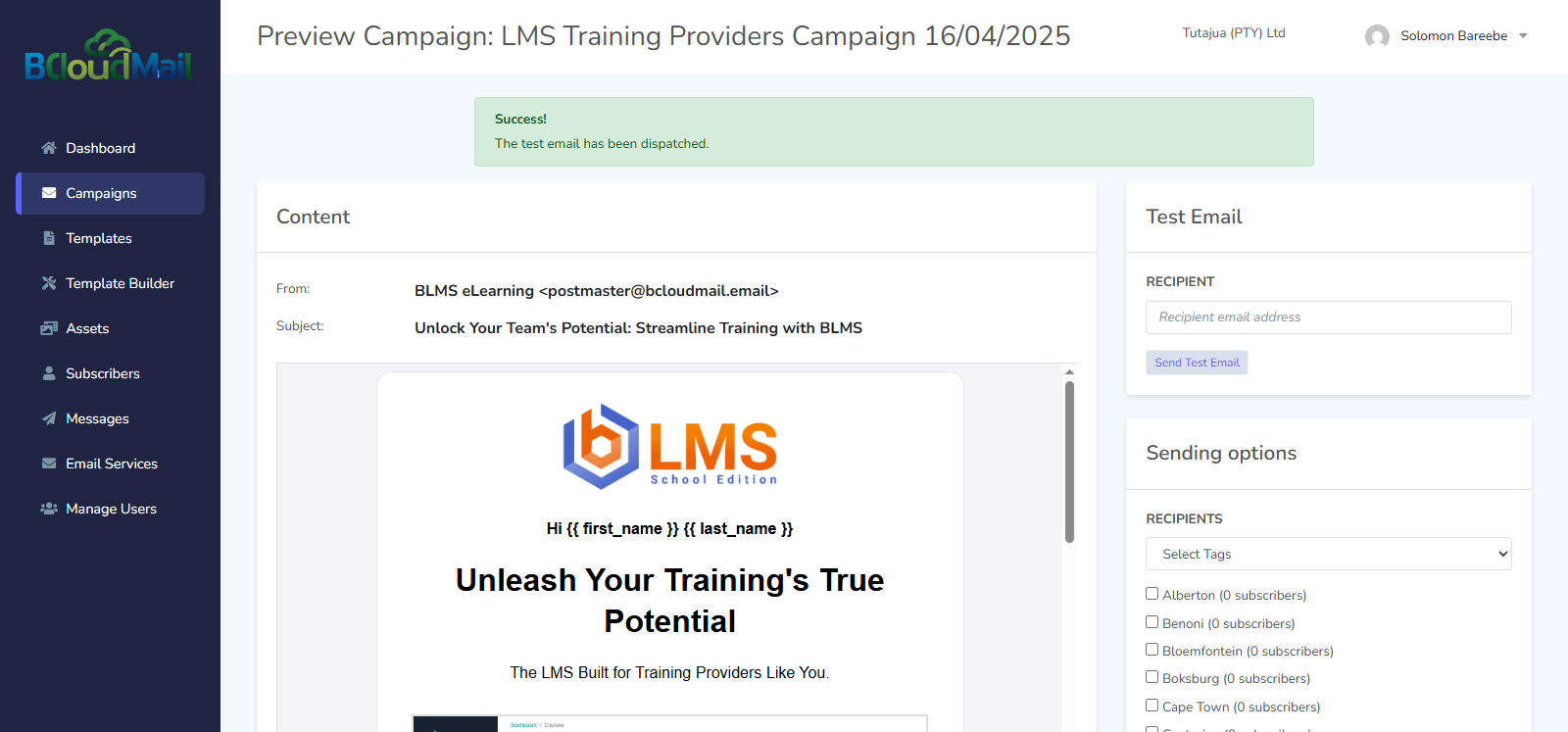
- Testing Campaigns: Before sending a campaign to your entire subscriber list, you can send a test email to an administrator’s email address to ensure that the email renders correctly and contains no errors. Look for a “Send Test Email” or similar option.
2. Sent Campaigns:
This section lists all the email campaigns that you have already sent.
-
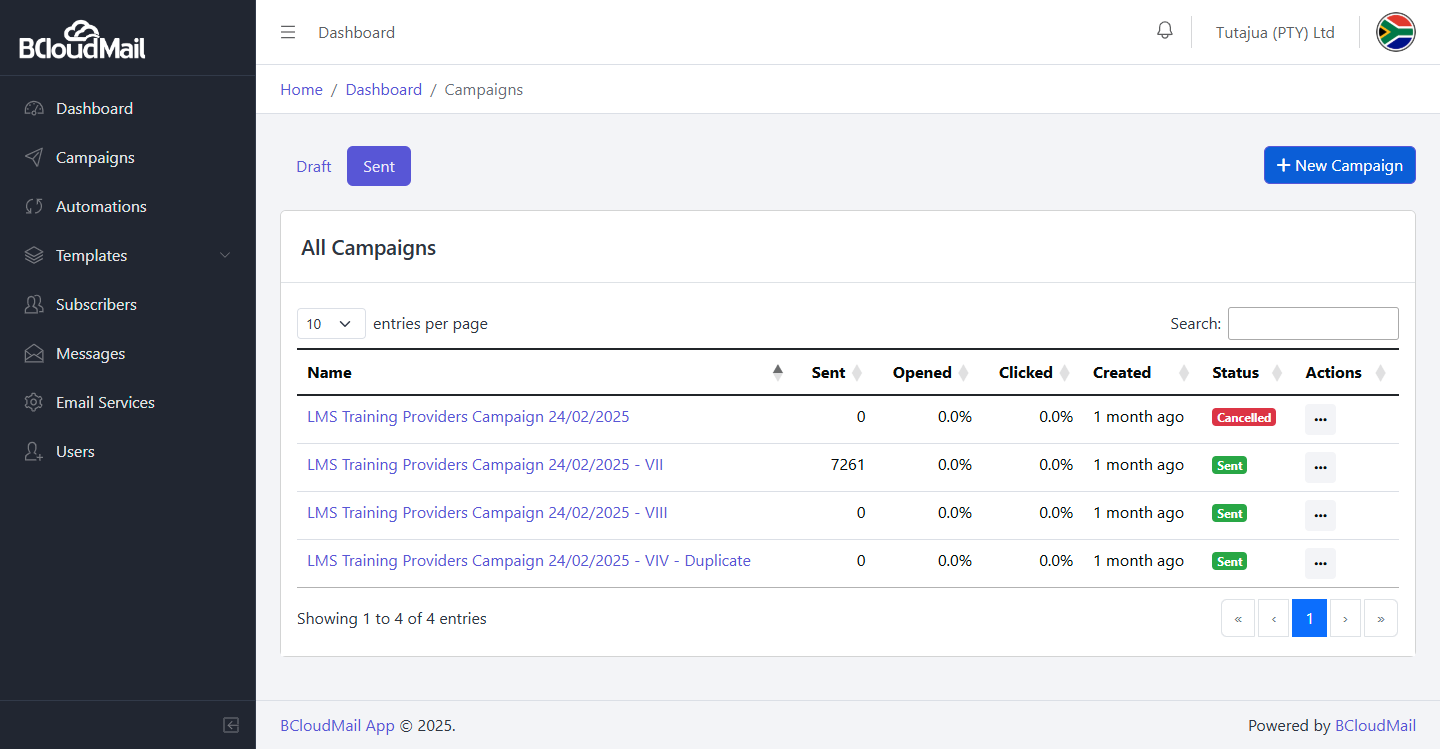
Campaign List: The sent campaigns are displayed in a table with the following columns, providing key metrics for each campaign:
- Name: The name of the campaign.
- Sent: The total number of emails sent for this campaign.
- Opened: The number of recipients who opened the email.
- Clicked: The number of recipients who clicked on a link within the email.
- Date Created: The date and time when the campaign was created.
- Status: The current status of the campaign (e.g., “Sent,” “Sending,” “Completed”).
- Actions: A set of actions you can perform on the campaign, such as:
- Duplicate: Create a copy of the campaign. This is useful for re-sending a successful campaign or for using it as a template for a new one.
-
Campaign Details: Clicking on a sent campaign will typically take you to a detailed overview of its performance. This overview is often organized into tabs:
-
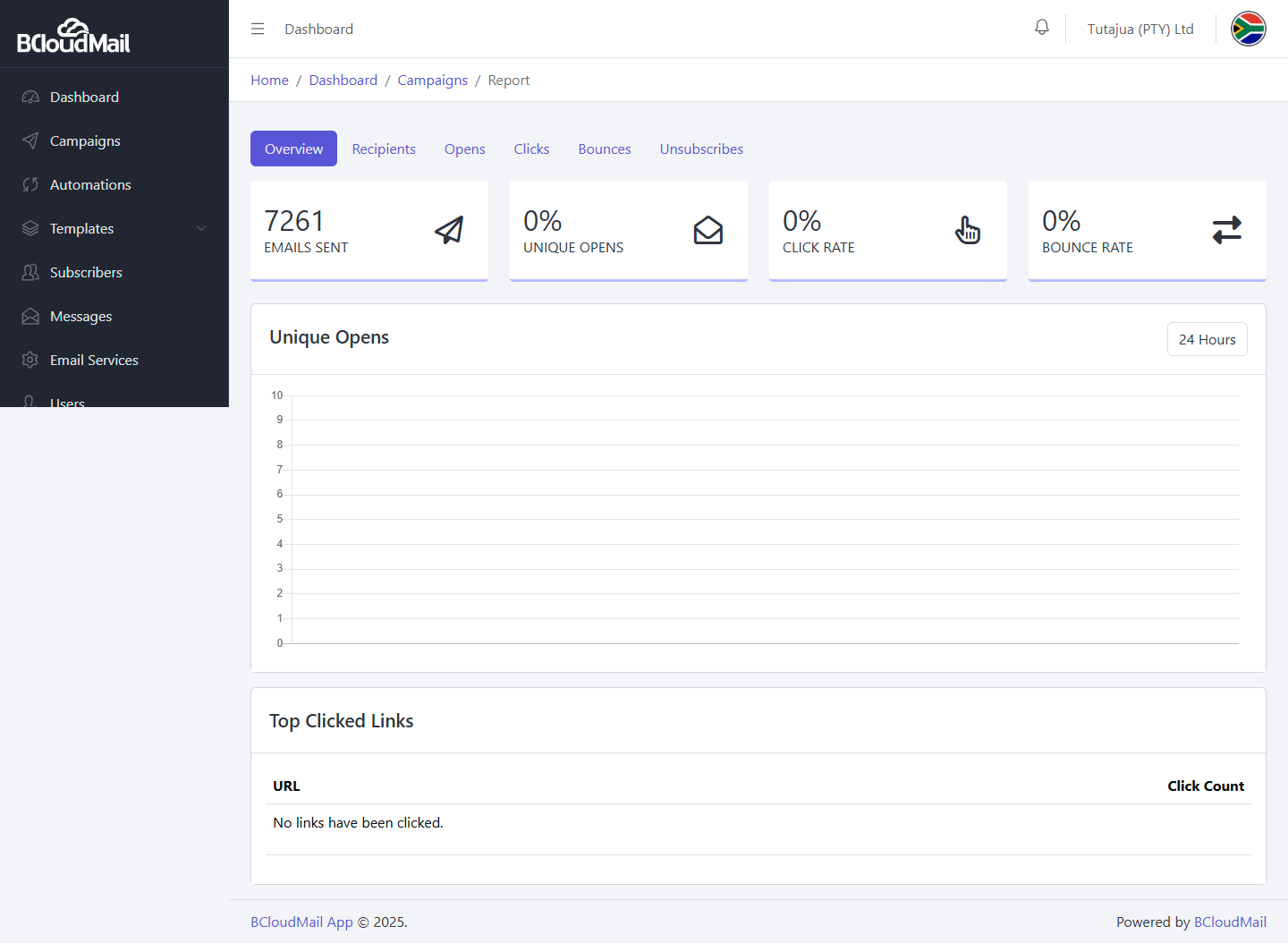
Overview: This tab provides a summary of the campaign’s key analytics:
- Emails Sent: The total number of emails sent.
- Unique Opens: The number of unique recipients who opened the email.
- Click Rate: The percentage of recipients who clicked on a link within the email.
- Bounce Rate: The percentage of emails that could not be delivered.
- Unique Opens Chart: A visual representation of the email opens over time.
- Top Clicked Links: A list of the most popular links clicked within the email.
-
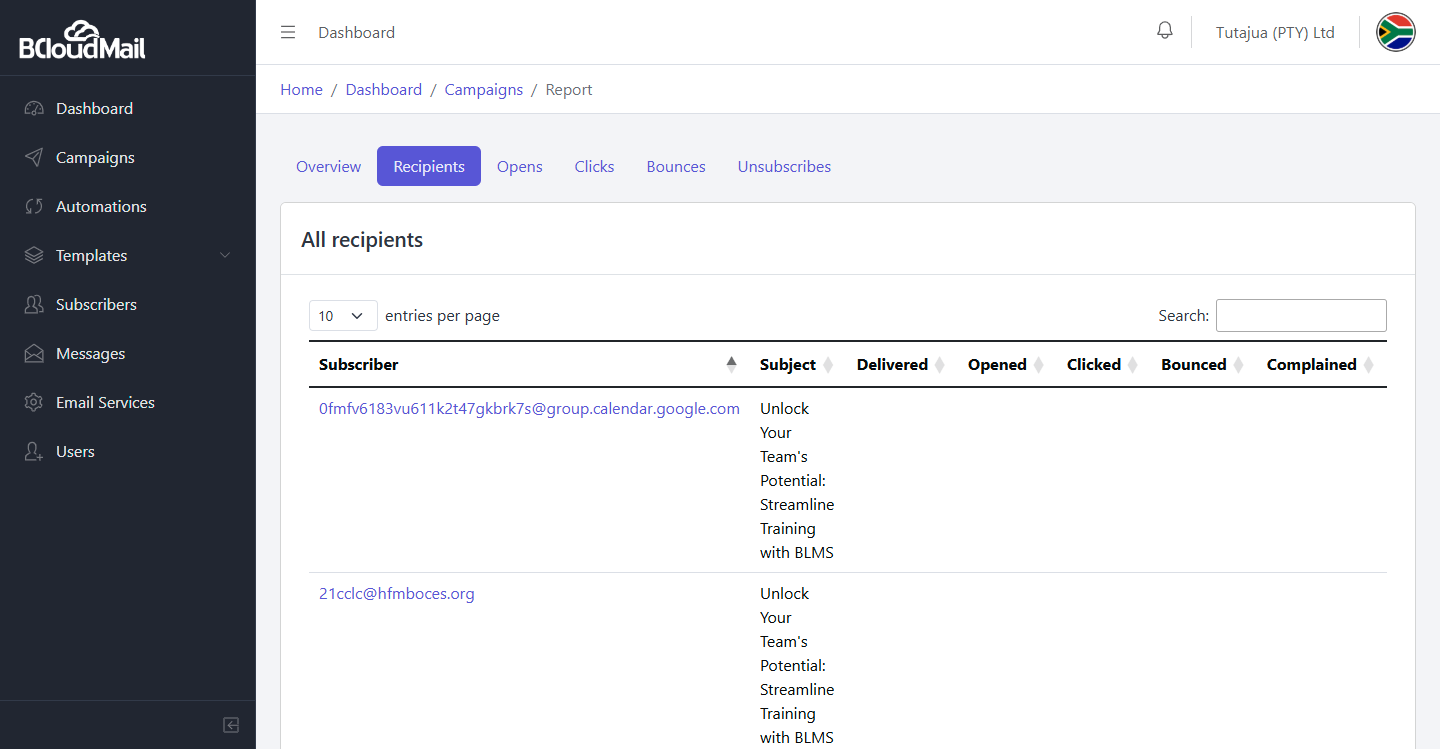
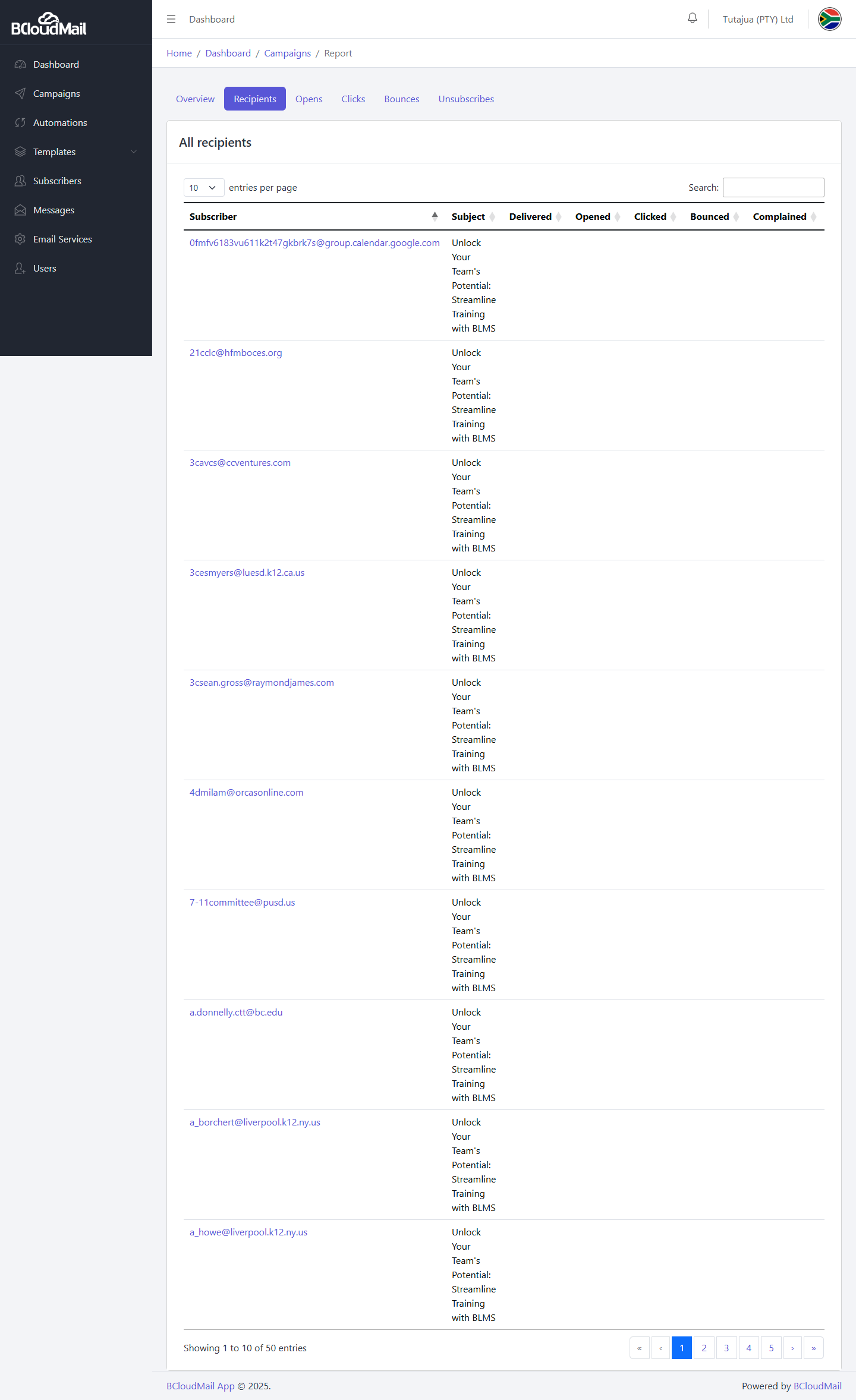
Recipients: This tab provides a detailed breakdown of the recipients of the campaign:
- Subscriber: The email address of the recipient.
- Subject: The subject line of the email.
- Delivered: Indicates whether the email was successfully delivered to the recipient.
- Opened: Indicates whether the recipient opened the email.
- Clicked: Indicates whether the recipient clicked on a link within the email.
- Bounced: Indicates whether the email bounced (could not be delivered).
- Complained: Indicates whether the recipient marked the email as spam.
-
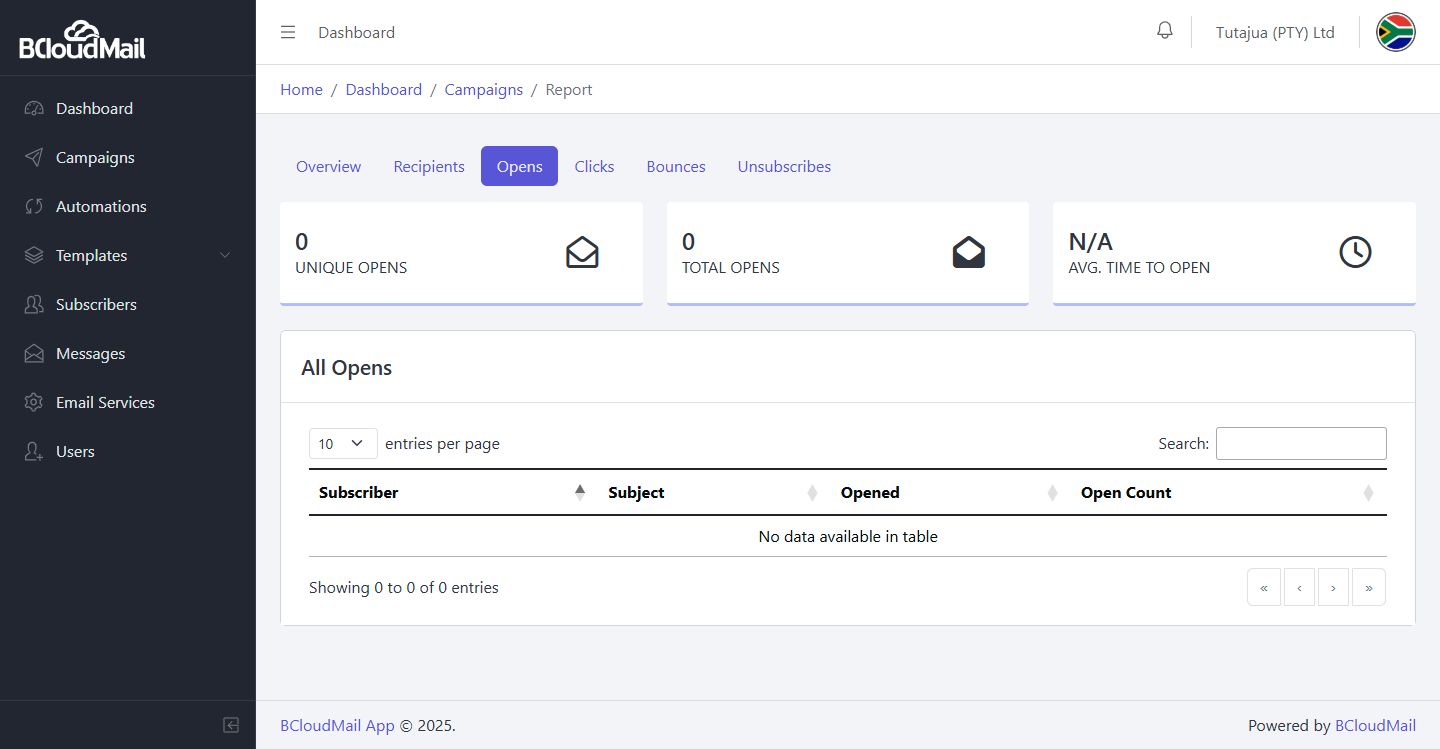
Opens: A list of all recipients who opened the email.
-
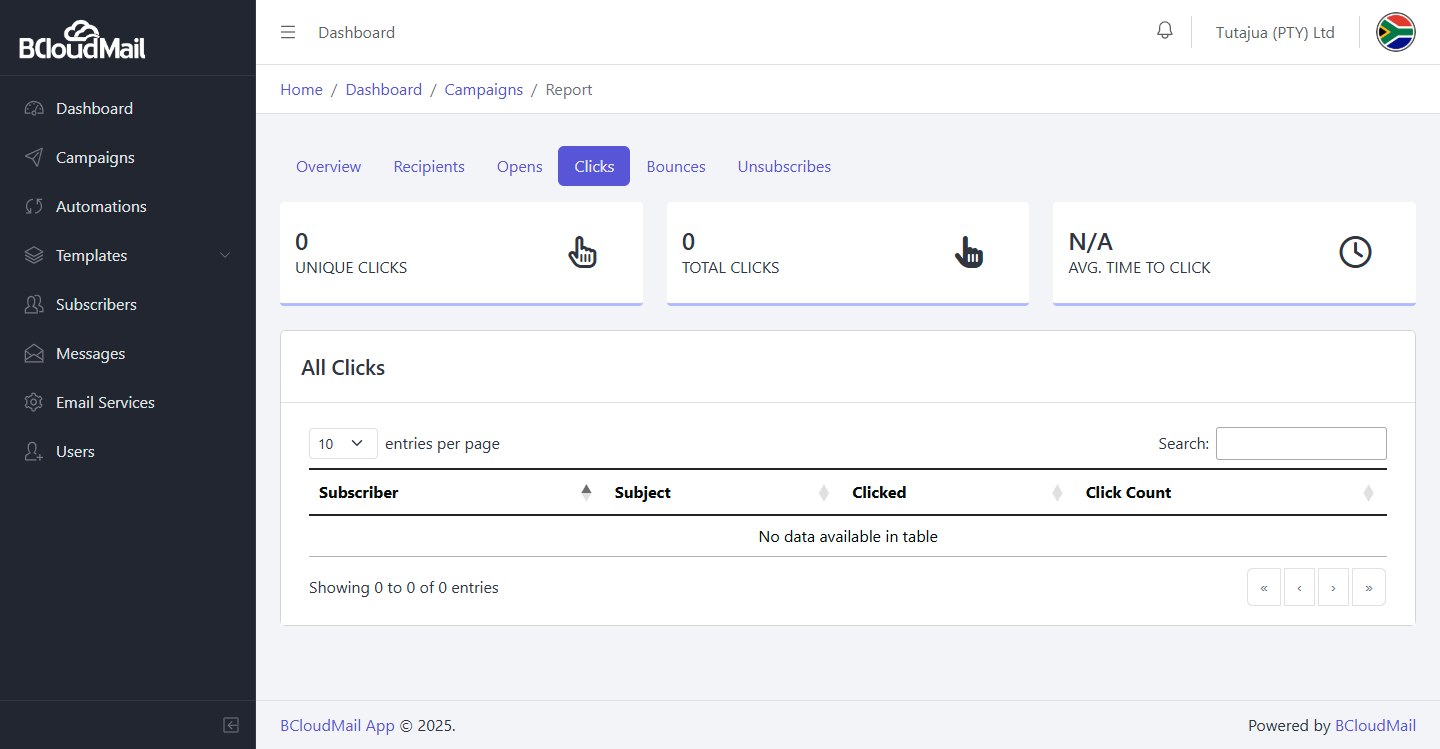
Clicks: A list of all recipients who clicked on a link within the email.
-
Bounces: A list of all emails that bounced.
-
Unsubscribes: A list of all recipients who unsubscribed from your email list as a result of this campaign.
-
The BcloudMail Campaigns page provides you with the tools you need to create, send, and analyze your email marketing campaigns, allowing you to optimize your email strategy and reach your audience effectively.